Why Choose Viewflow?
You have two options for building web apps:
- Django from scratch. Full control. But you’ll spend weeks building admin panels, workflow engines, and form handling code.
- Low-code platforms. Fast to start. But when the client asks for something the platform doesn’t support, you’re stuck.
Viewflow is a third option: Django with batteries included.
What This Means in Practice
Day one: You define a model, wrap it in a Viewset, and you have a working app with login, CRUD, and a clean UI.
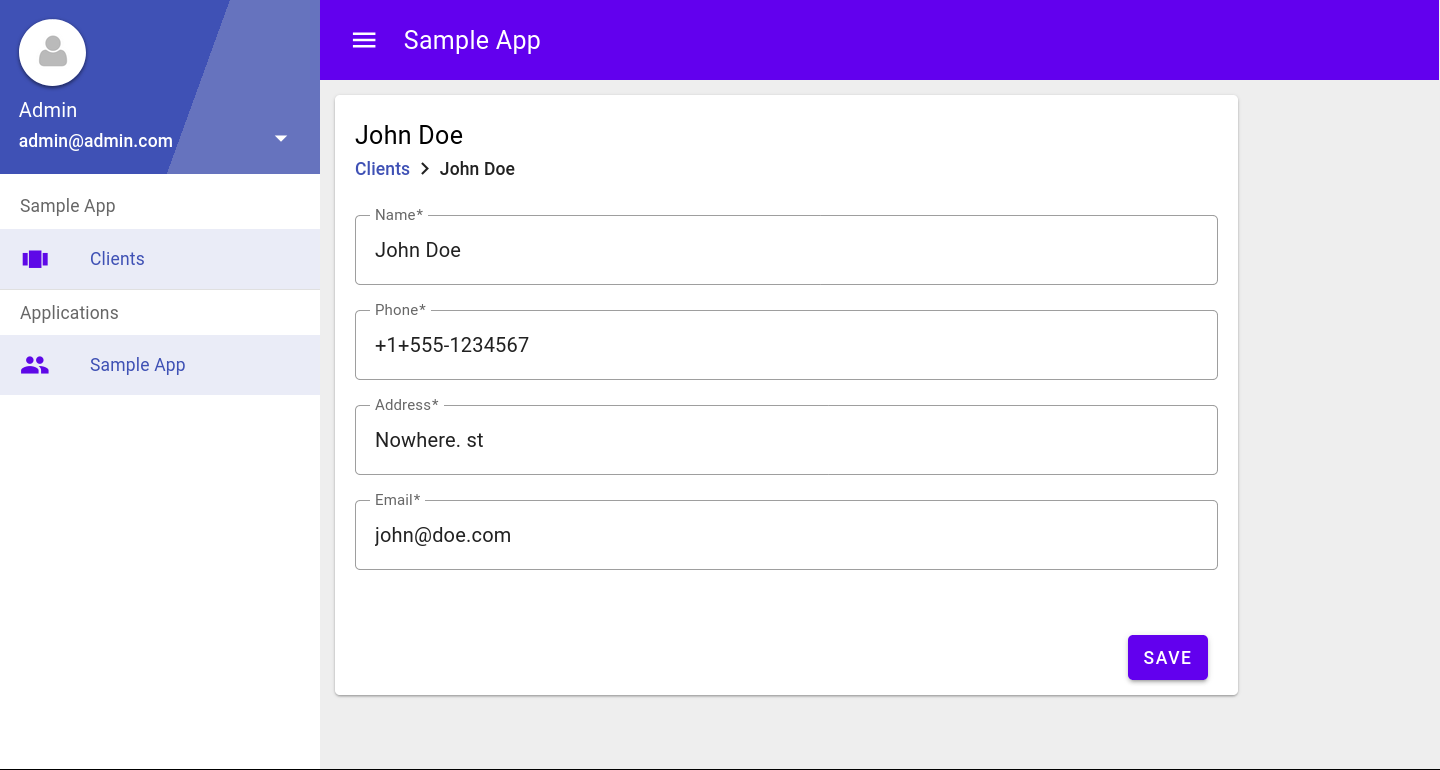
class Client(models.Model):
    name = models.CharField(max_length=240)
    phone = models.CharField(max_length=14)
    address = models.CharField(max_length=300)
    email = models.EmailField(max_length=240)

site = Site(title="ACME Corp", viewsets=[
    Application(
        title='Sample App',
        icon='people',
        app_name='emp',
        viewsets=[
            ModelViewset(model=Client),
        ]
    ),
])
Week two: The client wants an approval workflow. You add a Flow class. No need to rewrite your models or switch platforms.
Month three: They need a custom report that joins three tables and shows data in a specific way. You write Python and SQL. Viewflow doesn’t stop you.
Code Over Clicking
Most low-code tools make you drag and drop boxes to build workflows. This is slow. You can’t version control it. You can’t review it in a pull request.
Viewflow workflows are Python code. You type them. You test them. You commit them to git.
Typing is faster than clicking.
You Already Know the Stack
Viewflow uses:
- Django models and views
- Python classes and functions
- HTML templates (when you need custom layouts)
- JavaScript (when you need custom behavior)
No new language. No proprietary format. If you’ve built a Django app before, you can build a Viewflow app today.